How to Delete Facebook Dating (There Is No App to Uninstall)
· Dating
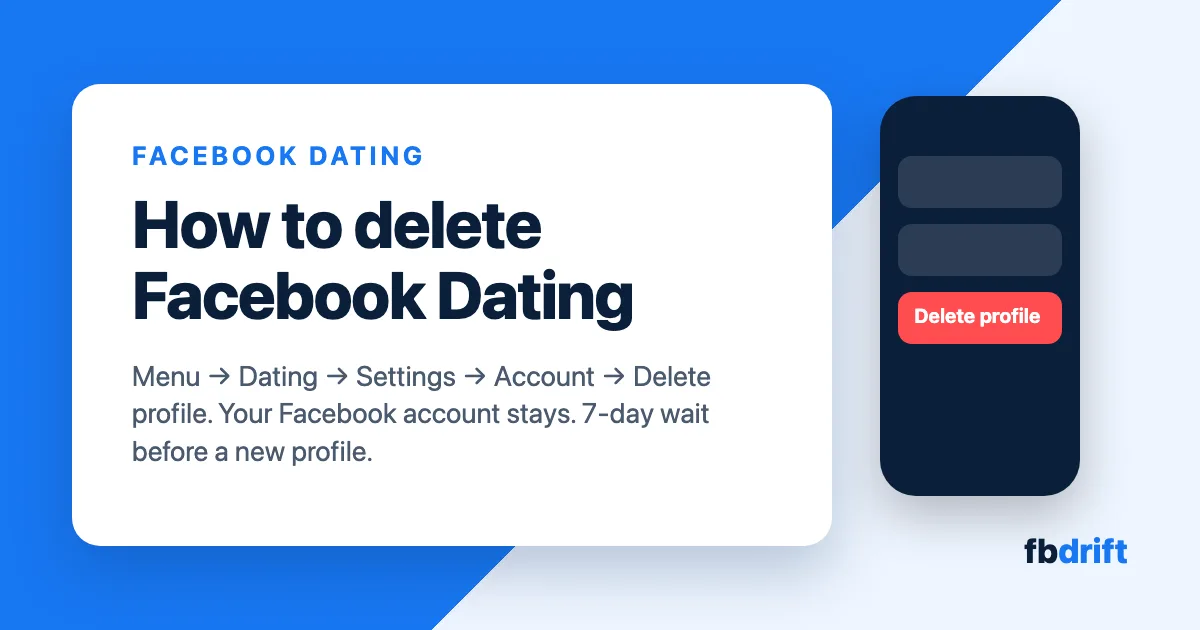
To delete Facebook Dating, delete your Dating profile from inside the Facebook app: Menu → Dating → Settings → Account → Delete profile. There is no separate Dating app to uninstall, because Dating lives inside the main Facebook app. Deleting the profile removes your Dating profile, answers, likes, matches and conversations, and leaves your normal Facebook account exactly as it was.
Applies to the Facebook app on Android and iPhone as of October 2026. Dating does not exist on facebook.com, so there is nothing to delete on a computer.
What to know
Nothing to uninstall. Facebook Dating is a section of the Facebook app, not an app of its own. Removing the Facebook app does not delete your Dating profile; deleting the profile does.
Your Facebook account stays. Deleting Dating does not touch your posts, friends, photos or Messenger.
Seven-day lock. After you delete, you cannot create a new Dating profile for 7 days.
Want it gone from view, not gone for good? Use the pause option instead (below) and keep your matches.
Delete your Facebook Dating profile
The steps are the same on Android and iPhone.
Advertisement
Open the Facebook app and tap Menu (the three lines, bottom right on iPhone, top right on Android).
Tap Dating. If you do not see it, tap See more first.
Tap the icon in the top right of the Dating home screen.
Tap Settings.
Scroll to the Account section and tap Delete profile.
Tap Delete profile again to confirm.
That is it. Dating disappears from your menu, your profile is removed from everyone else's stack, and your matches and conversations are gone from your side.
What deleting actually removes
Your Dating profile, including photos you added only to Dating and your answers to the Dating questions.
Your likes, Secret Crush picks, matches and Dating conversations.
Messages you already sent stay in the other person's inbox. Deleting your profile removes the conversation from your side only.
Your Facebook account, friends list, posts and Messenger chats are not affected. The only link in the other direction is that deleting your whole Facebook account also deletes your Dating profile.
Just want to disappear for a while? Pause instead
If you want a break without losing your matches, the same Account section of Dating settings has a Take a break switch on most accounts. Turn it on and your profile is hidden from everyone, you stop seeing new people, and nothing is deleted. Turn it off when you are ready and your profile comes back as it was.
Pick Take a break if you might come back. Pick Delete profile if you want the data gone or you want Dating out of your menu.
Can't find Delete profile?
Dating is missing from the menu. Either you never set up a profile (so there is nothing to delete), or Dating is not offered where you are. It is only available in some countries and to people 18 and over.
Settings looks different. Update the Facebook app from the Play Store or App Store. Old versions sometimes show the gear under General instead of directly on the profile screen.
You are on a computer. Dating only exists inside the Android and iPhone apps. Open the app on your phone to delete it.
You already deleted it and want it back. Wait 7 days, then open Dating again and set up a new profile from scratch. The old matches do not return.
FAQ
Does deleting Facebook Dating delete my Facebook account? No. Only the Dating profile is removed. Your Facebook account, friends, posts and Messenger stay as they are.
Will my matches know I deleted my profile? They are not notified. Your profile and the conversation simply disappear from their side, although messages you sent remain in their inbox.
Can I turn Facebook Dating back on later? Yes, after 7 days. You start with a fresh profile; old likes and matches are not restored. If you want to keep them, use Take a break instead of deleting.